Your team can lose hours to the same problem every week. Someone misplaces a file, then everyone starts searching. After that, you get nervous messages about sending the wrong version.
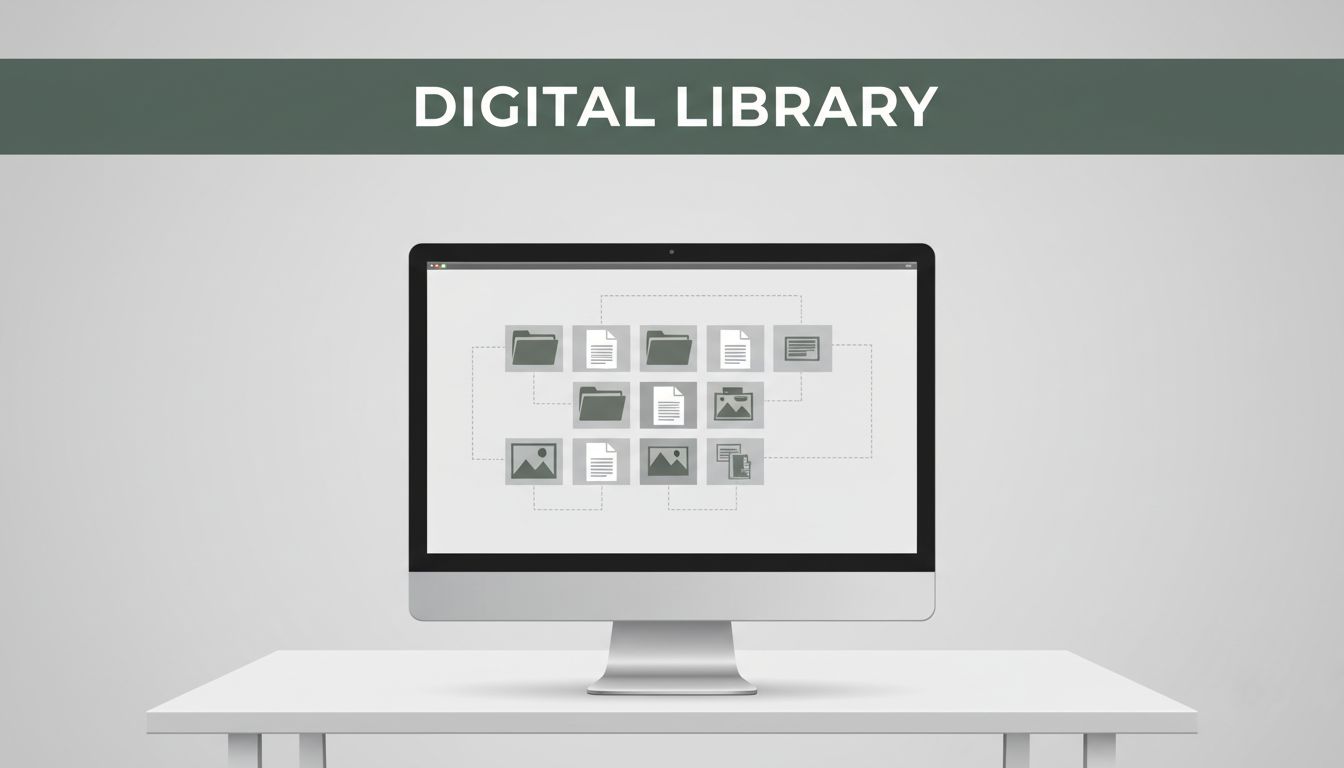
That’s where digital resource management (DRM) comes in. Think of it like a smart library for your digital files. It handles how work gets organized, where files live, who can access them, and how they should be used. Instead of hoping people do the right thing, DRM sets clear rules and keeps the system in order.
In practice, DRM supports business efficiency because it helps people find what they need fast. It also supports security because it limits access to the right users. And it improves decision-making because it shows how your files actually get used.
One quick note: you might also see this described as digital asset management (DAM). The terms overlap, especially when businesses focus on storing and controlling images, videos, and brand files. For a useful baseline on what DAM does, see What Is Digital Asset Management? DAM Software Guide (2026) | Acquia.
Next, let’s break down what DRM includes and how it works across the full life of a digital resource.
The Core Pieces of Digital Resource Management
Digital resource management is more than “storing files.” It’s a system for organizing digital resources so people can use them safely and consistently.
If you picture DRM as a filing cabinet, the folders are only one part. The cabinet needs labels, locks, and a way to track who opens what. That’s the same idea behind DRM, just applied to documents, images, videos, and other work files.
DRM usually includes these core pieces:
- Organization and central storage so files are easy to locate
- Security through access rules, encryption, and trusted identity checks
- Tracking and analytics so you can see usage patterns
- Rights management so ownership and usage rules stay clear
Then DRM covers the lifecycle. Files get created, added to the system, tagged, approved (if needed), shared, updated, and eventually archived. When the lifecycle is clear, you avoid duplicate versions and “which one is correct?” debates.
For many organizations, the most visible change comes from better organization and faster retrieval. Still, security and rights rules matter just as much. In 2026, DAM and related file governance tools increasingly focus on AI, compliance, and collaboration features. If you want a quick view of those shifts, check Digital Asset Management trends 2026: What you need to know now.
In other words, DRM helps you control both the “where” and the “how.” It also gives you proof, so you can respond when someone asks: Who used this file, and when?
Organization and Secure Storage Basics
Start with organization and storage, because chaos here causes everything else to fail. If files are scattered, people will work around the system. They’ll download copies. They’ll email attachments. They’ll save “final-final” versions.
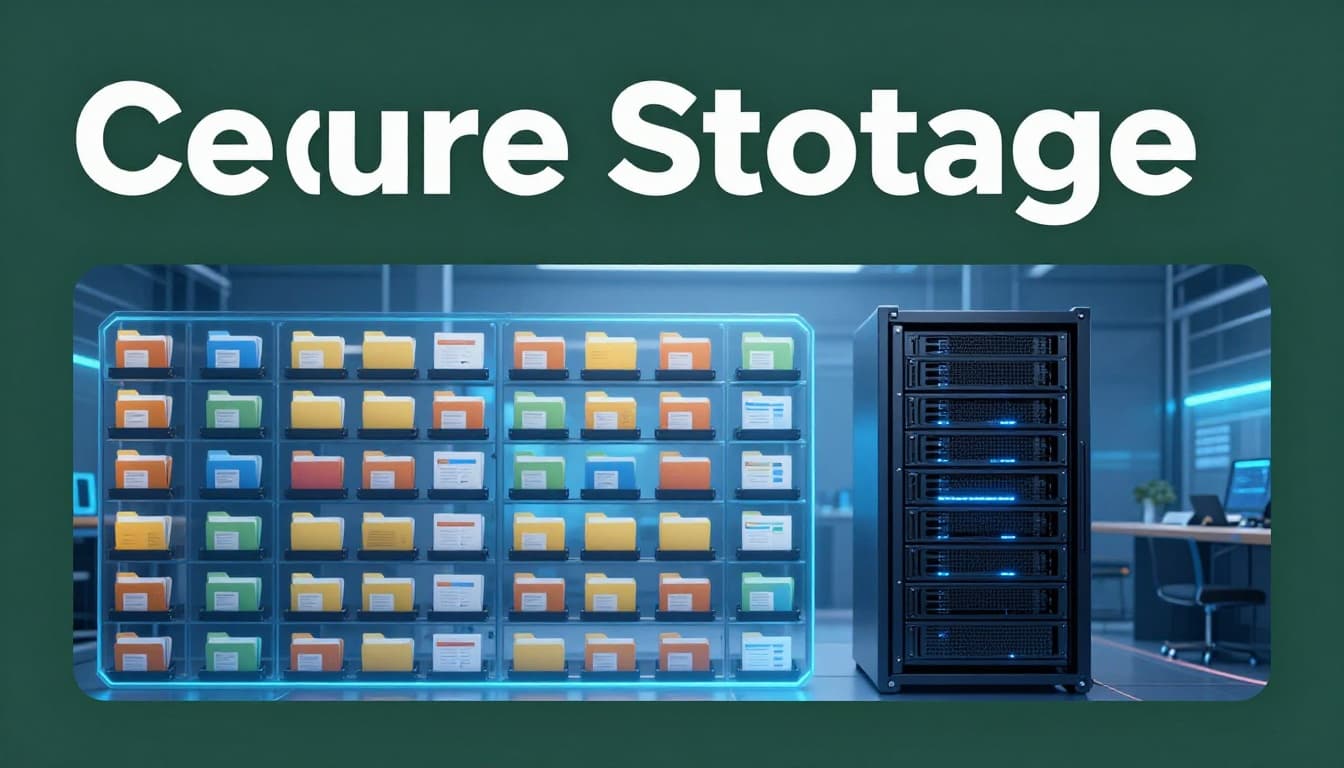
With DRM, you set up a central place for digital resources. That means everyone can pull from the same source. You also create a structure that makes sense for your team, like projects, departments, clients, or content types.
Good DRM organization usually includes:
- Clear folder or library categories (not random personal folders)
- Consistent metadata (like author, project name, date, or version)
- A predictable naming approach
- Search that works even when people remember only part of the file name
You don’t need fancy rules to start. You just need consistency.
Here are simple naming tips that keep teams sane:
- Use dates in a standard format (example: 2026-03-31)
- Include a short subject tag (example: marketing-plan)
- Add version numbers when updates happen (example: v1, v2, v3)
Next, store files in a way that prevents accidental loss. That means backups, controlled overwrites, and clear version history. When storage is reliable, you can archive old items without deleting context.
Finally, keep the structure easy to follow. If setup feels too complex, people will skip it. DRm works best when it feels like the easiest option.
Access Controls and Encryption Explained
Now move from “find the file” to “who should get it.” Access controls are the gate. Encryption is the lock.
Access control usually answers questions like:
- Can this user view the file?
- Can they download it?
- Can they edit it?
- Do they need permission from an owner?
This is where DRM stops internal accidents and reduces misuse. For example, you can block access to client-sensitive documents. Only the right roles can open or export them.
To make access control stronger, DRM systems often use trusted identity checks. That can include sign-in rules, role-based permissions, and digital certificates. Certificates help confirm that the system you’re using is actually the one you expect.
Encryption adds another layer. It scrambles data so it’s unreadable without the correct key. Good DRM puts encryption in key moments, such as:
- Data stored on servers (at rest)
- Data moving across the network (in transit)
That matters because files travel. People share links. Systems sync across devices. Without encryption, the file can be exposed during storage or transfer.
A file without access rules is like a key left in the lockbox. It looks harmless, but anyone can take what they want.
Keep security simple at first. Start with role-based access. Then add encryption and audit logs. Over time, you can tighten permissions as teams grow.
Tracking Usage and Rights Protection
Next comes tracking. DRM can log who accessed what, how often, and when changes occurred. It can also show which files get downloaded most. That turns your file library into something you can manage with evidence.
Tracking does not just help IT. It helps business teams too. For example, if a video asset gets reused constantly, you can plan updates and support in the places that matter.
Analytics can also reveal problems:
- A lot of failed downloads might mean permission rules are wrong.
- Frequent version edits might mean the “source of truth” isn’t clear.
- High usage of outdated files can signal that teams need better refresh workflows.
Rights management is the other half of this section. Rights rules help you handle ownership and approved use. For digital content, rights management often includes permissions tied to:
- License terms
- Copyright and brand usage rules
- Internal-only restrictions
- Distribution limits (like where files can be shared)
If you manage brand assets, rights rules help ensure people use approved images and videos. If you manage client work, rights rules help prevent unauthorized sharing.
In many organizations, rights tracking also helps with content proof and compliance. Some tools add standards-based provenance signals, so you can see where content came from and whether it changed.
As you evaluate DRM software, look for tracking that’s actually usable. You want clear reports, not raw logs.
Why Businesses Thrive with Digital Resource Management
DRM benefits for businesses show up fast, especially when teams are already drowning in files. Imagine your team working on a proposal, a product update, or a client deliverable. They need the right assets, the right version, and the right permissions.
Without DRM, you get delays. People search longer than they should. They ask for approvals in the wrong thread. They also risk sending the wrong file to the wrong person.
With DRM, you cut friction across the workday.
Here are practical wins that come from real DRM usage:
- Faster workflows: less time hunting, fewer version mix-ups
- Better decisions: analytics show which files and content perform
- Stronger protection: access rules and encryption reduce leaks
- Efficient resource allocation: usage data informs what to update or retire
- Improved collaboration: teams share approved assets with fewer emails
Sometimes the biggest cost is not money. It’s time and stress.
Also, DRM supports scale. As your organization grows, you get more content and more people. If the system doesn’t scale, you keep paying for mistakes.
If you want another angle on how these file systems are shifting, this roundup of 9 Digital Asset Management Trends To Watch In 2026 highlights themes like collaboration, AI organization, and ROI pressure. Those trends also explain why DRM adoption keeps rising.
Most important, DRM connects file control to day-to-day business work. It doesn’t live in a back-office ticket queue.
Save Time and Boost Team Productivity
Picture the start of a new project. Someone asks for “the latest brand guide.” Another person digs through old email threads. Someone else uploads a new copy “just in case.” Then you have three guides in three places.
DRM reduces that problem by creating one source of truth. People locate approved files quickly. They can also see version history. As a result, fewer meetings get spent on file verification.
It also helps when you onboard new people. A structured library tells them where things live. It also shows how you expect assets to be named and categorized.
When teams spend less time searching, they finish work sooner. Projects run smoother. Employees focus on tasks instead of file hunts.
The productivity boost is easy to measure. You can track how long it takes to locate assets before and after DRM. You can also measure reduction in duplicate file creation.
In short, DRM gives time back.
Lock Down Security to Prevent Costly Leaks
File leaks are expensive. Even when the leak doesn’t make headlines, it can still cause real damage. It can lead to lost client trust, compliance gaps, and extra rework.
DRM helps by controlling access. Instead of sending files through email, teams can share via controlled links. Permissions determine what users can view or download.
Encryption adds protection during storage and transfer. Audit logs help you spot patterns too. If someone tries to access restricted material, the system can block it and record the attempt.
Meanwhile, rights management supports legal safety. If a license does not allow redistribution, DRM rules can prevent the misuse.
One thing to remember: security is not a one-time task. You need reviews. You also need to adjust permissions when roles change.
A small rule set today can prevent a big cleanup later.
Unlock Insights for Smarter Growth
DRM doesn’t just store files. It answers questions about what your organization uses and what it ignores.
When you track usage, you can see:
- Which assets people request most
- Which content types drive approvals or sales activity
- Which files get outdated the fastest
- What teams struggle to find (often a sign of weak tagging)
Then you can act on that data. For instance, if a specific training video gets reused across departments, you can update it and publish it as the current version. If a product image folder gets constant new copies, you can fix naming rules or improve categories.
Also, analytics support customer-facing improvements. If you manage assets that go into customer campaigns, you can learn what leads to better engagement. You can then adjust content planning and reduce waste.
Usage analytics turn your file library into a tool for decisions, not a cost center.
This is also where AI often helps. AI can improve tagging, suggest metadata, and help organize large libraries faster. Still, the best results come when your base structure is already clean.
Step-by-Step Best Practices for DRM Success
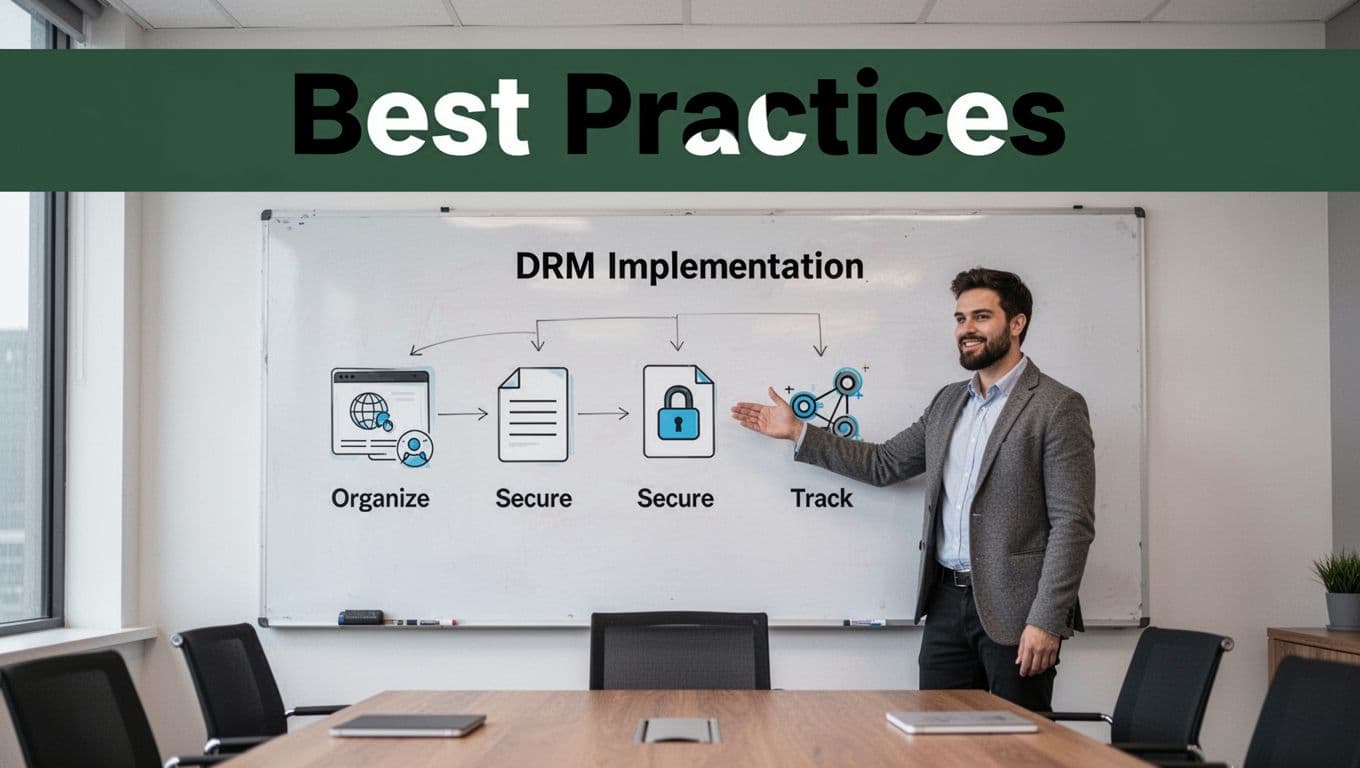
Want DRM success without a huge project? Start with the parts that remove the most pain first. Then tighten security and rights rules as teams adopt the system.
A helpful way to think about it is like setting up a workspace. You don’t buy every tool at once. You start with the essentials, then add upgrades.
Also, pay attention to what’s happening in the market. Many organizations now prefer cloud file systems because setup is faster and integrations are easier. If you want a forward-looking view, see What can we expect from Digital Asset Management in 2026. While that’s DAM-focused, the direction applies to broader DRM thinking too.
Pick and Set Up Your DRM Tools
When choosing DRM tools, don’t start with features. Start with your workflow and risk level. Ask what you need most:
- Do you need fast search and tagging?
- Do you need strict access rules?
- Do you need usage analytics?
- Do you need rights and license tracking?
Then pick deployment based on your environment.
Some teams want full control with on-premises systems. Others want the faster rollout and integration options that come with cloud.
Here’s a simple comparison:
| Option | Best for | Common tradeoffs |
|---|---|---|
| On-premises DRM | High control and strict internal hosting needs | Higher setup and maintenance effort |
| Cloud DRM | Faster rollout and easier scaling | Some teams need stronger vetting of controls |
Your choice should match your team size, IT capacity, and compliance needs.
Regardless of the option, set up a clear “source of truth.” Define which library holds the approved versions. If you don’t do that, teams will keep copying files outside the system.
Also, watch for confusion with other “resource management” terms. For example, project resource management focuses on capacity planning, not file governance. If you want a clean view of how that differs, read The Complete 2026 Guide to Resource Management for Projects | Planisware.
Daily Habits and Training Tips
The tool won’t fix behavior. People must follow the system.
A small training session beats a long document nobody reads. Teach the basics with examples from real work. Show where approved assets live. Show how to request access. Show what naming rules look like.
Then build daily habits that keep the library healthy:
- Use consistent naming and categories before uploading new files.
- Create or update through the system, not by emailing attachments.
- Set access by role, then review it when teams change.
- Track usage and fix tagging gaps when search results feel off.
- Apply encryption and permission checks to sensitive resources.
- Archive old versions so people stop using outdated files.
This works best when roles are clear. The library owner or content manager should maintain structure. Team members should upload using the approved steps.
Also, schedule regular reviews. Once a quarter is a common starting point. During reviews, remove unused assets, confirm permissions, and check that the rules still match how work happens.
Common pitfall: strong rules with weak training. If people feel punished, they’ll avoid the system. Instead, make DRM feel like the easiest way to get work done.
Finally, start small. Pick one team, one folder structure, and a simple set of permissions. Once that team trusts the system, expand.
Conclusion
Digital resource management is the system behind safe, organized use of your digital files. It treats your library like a controlled workspace, with central storage, access rules, tracking, and rights protection. As a result, you waste less time searching and reduce the risk of using the wrong version.
The strongest next step is simple: run a quick audit of your current file mess. Find where duplicates live. Identify sensitive folders that need tighter access. Then set up one clear structure so your team knows where approved files belong.
DRM turns scattered files into business power. Once people see the difference in speed and security, the habits stick. What would change for your team if the “latest file” question disappeared tomorrow?